.png)
.png)
Importing a Public Workflow
Once you've identified a workflow you wish to use, select it and then on the details page, import it into the platform.
Click the "Import Workflow" button.
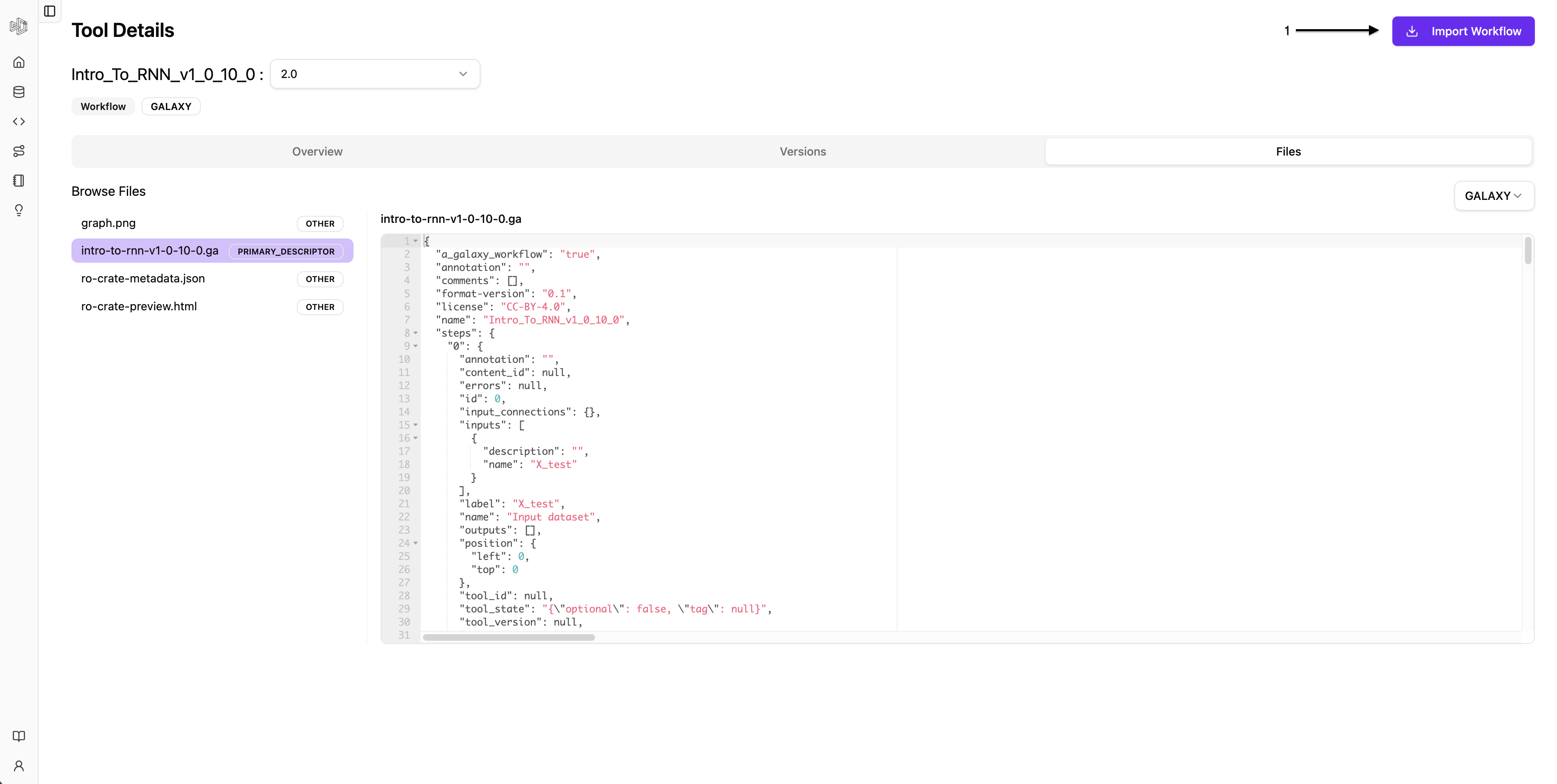 Click the image for a closer look!
After import, you will be redirected to the Workflows tab. Your imported workflows will appear there.
Clicking on an imported workflow will bring up a familiar TRS-style interface with detailed information.
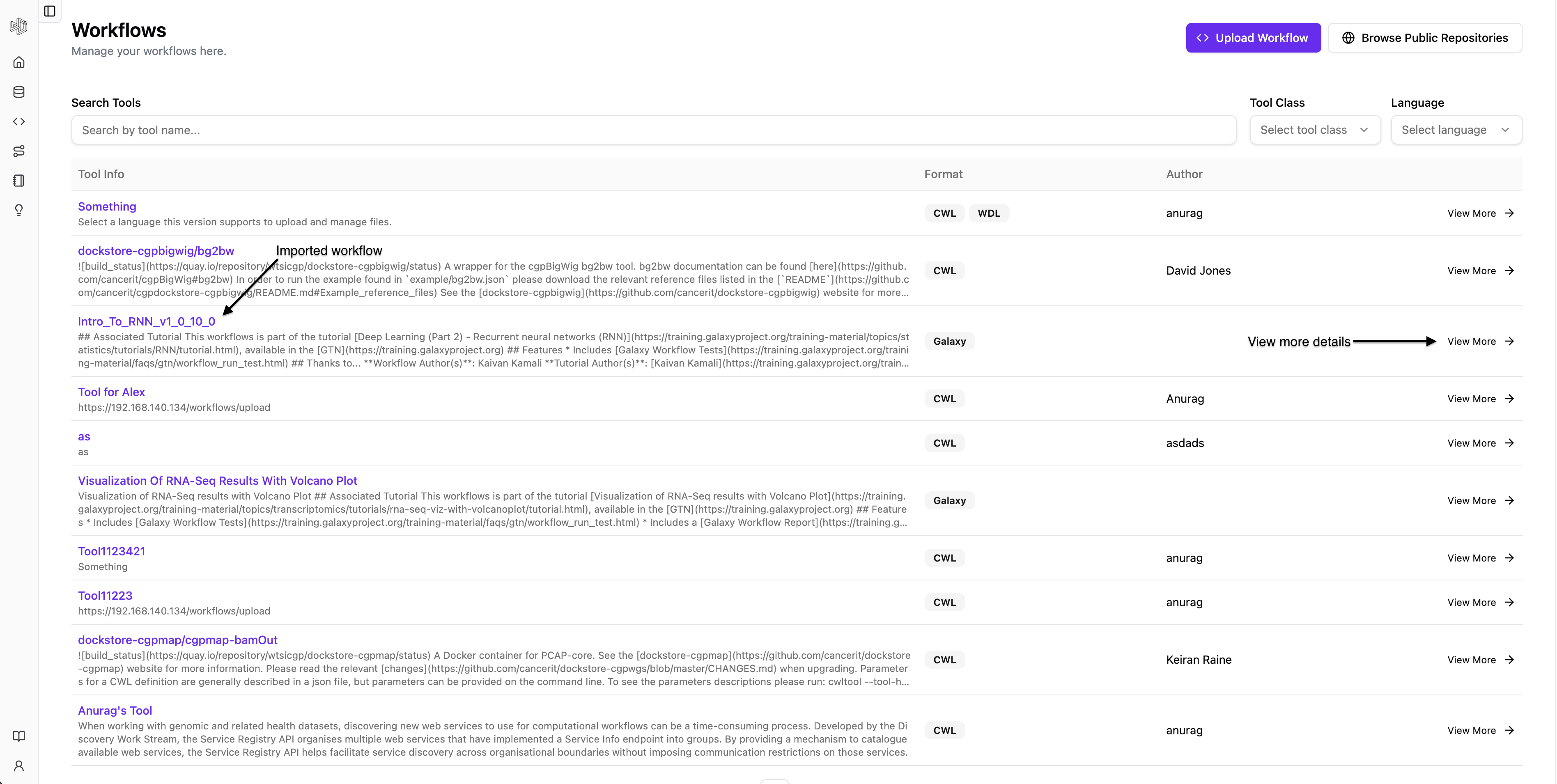 Click the image for a closer look!