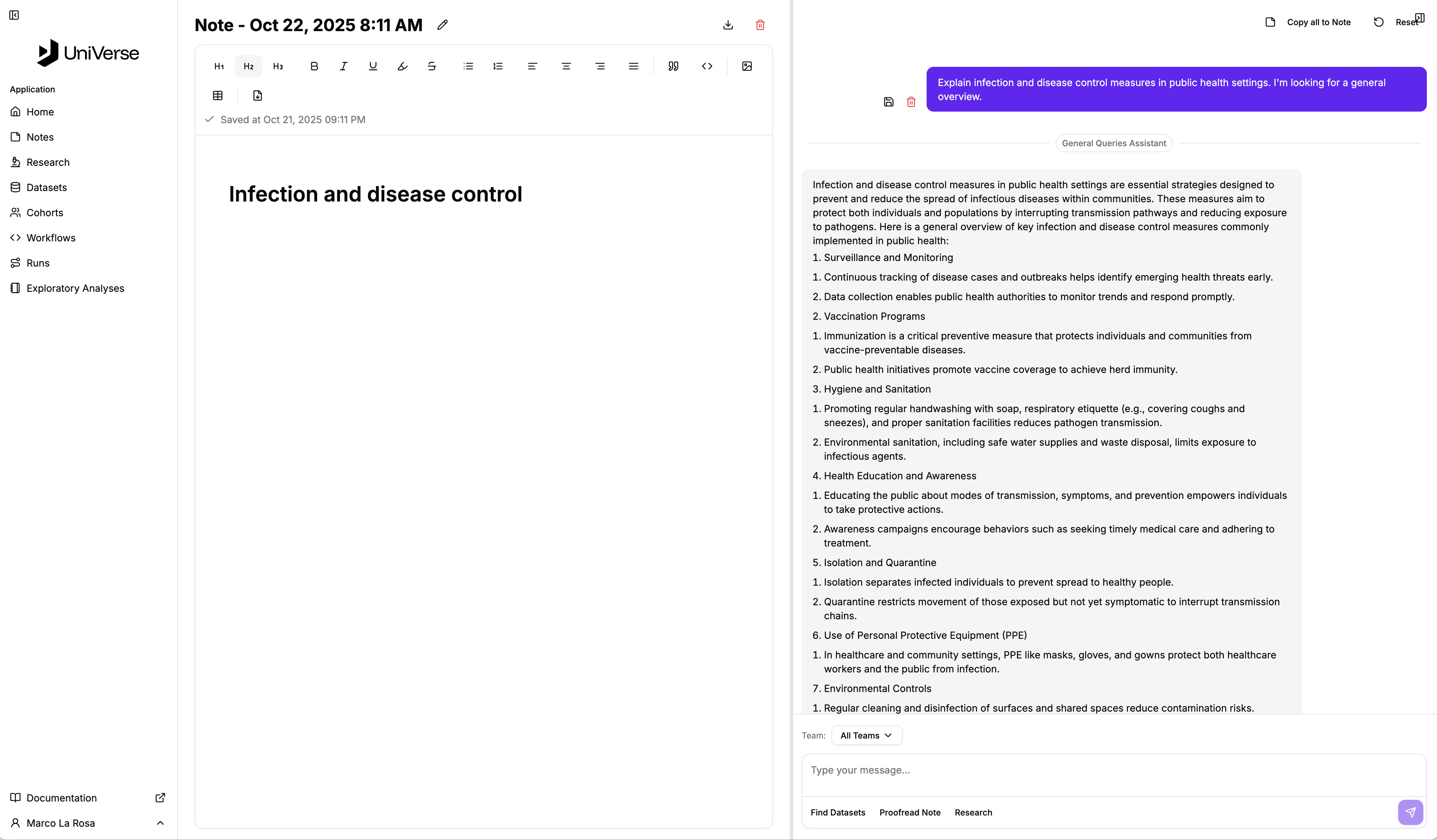
.png)
.png)
Notes
The Notes section of the platform provides a WYSIWYG editor not disimilar to Microsoft Word or Google Docs that allows you to capture your work and describe it.
When you navigate to that module, a list of your notes sorted reverse chronologically will be shown.
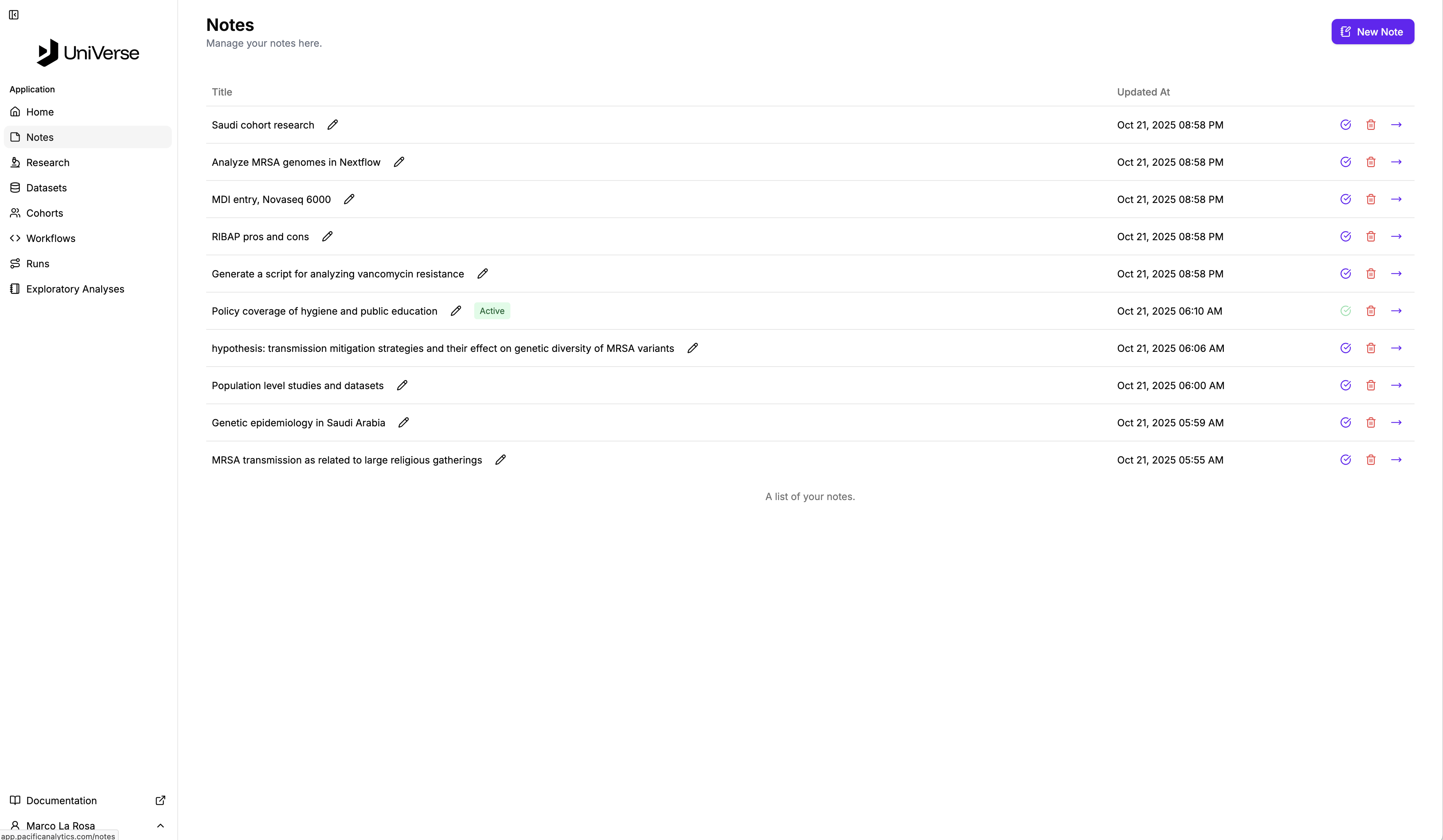
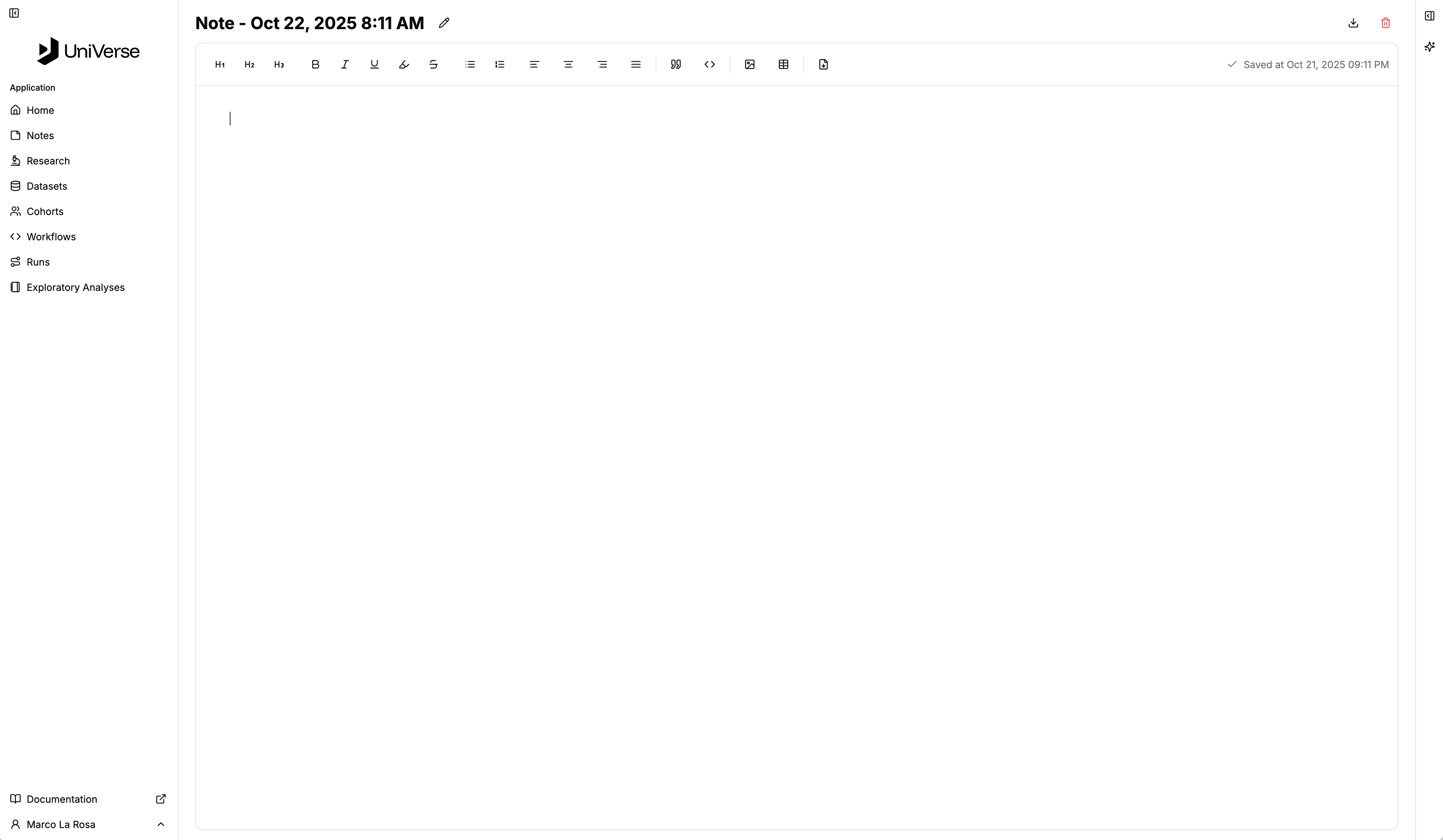
Selecting a note or creating a new note you will see:
INFO
Changes are autosaved.
TIP
Selecting a note also makes it the active note so that when you access the notes sidebar from other points in the application, you can carry on from where you left off.
Notice the toolbar strip down the right hand side of the page? If you open that you will see the platform assistant. With this you can work on your note whilst also querying the assistant for information. And the assistant has the content of the note available to it so that you can use it to revise and refine your work.