.png)
.png)
Datasets
Scientific workflows require an input in the form of data. In the Datasets module you can upload the data you wish to process in the Platform.
IMPORTANT
Whilst the application is in development, data can be accessed by any signed in user. Future releases will see the introduction of data segregation which means that you will be in control over who has access to any data you upload.
Uploading Datasets
A dataset is a logical grouping of one or many files. Datasets can host any type of file that you wish to process. There are no limitations on the type or the size.
When you first navigate, you will see a list of the datasets you've created. In the following image we can see the datasets this user has created as well as an overview of the main statistics, including size and date created.
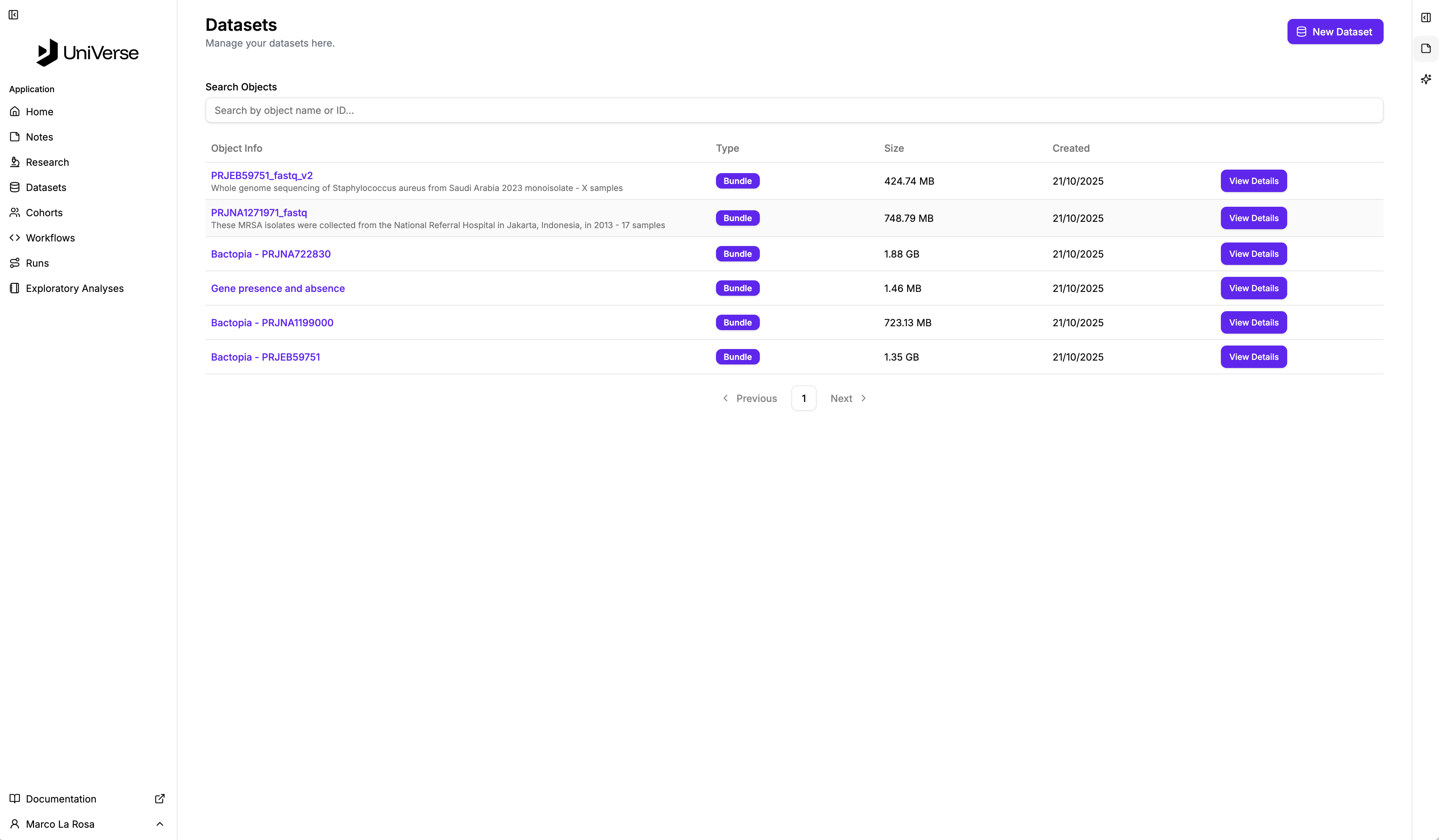
Get started by selecting "New Dataset" in the top right to be taken to a screen like the following.
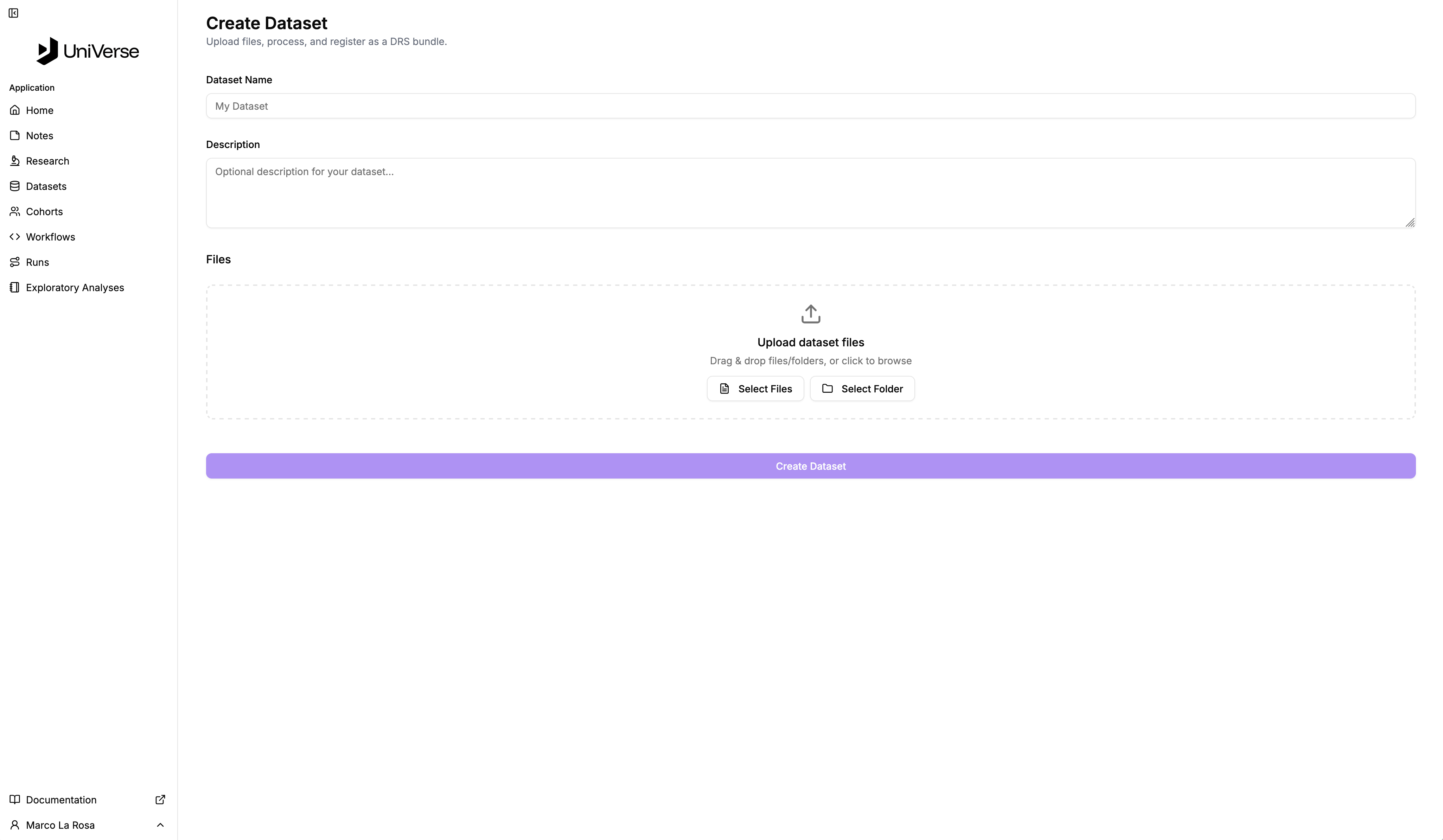
In this view provide a name and description for your datasets and select the files and / or folders of content you wish to upload to it. You can upload content from anything connected to your computer including data stored on shared resources like Google Drive or Dropbox.
When your data uploads have completed (you'll see a progress indicator) you can "Create Dataset".
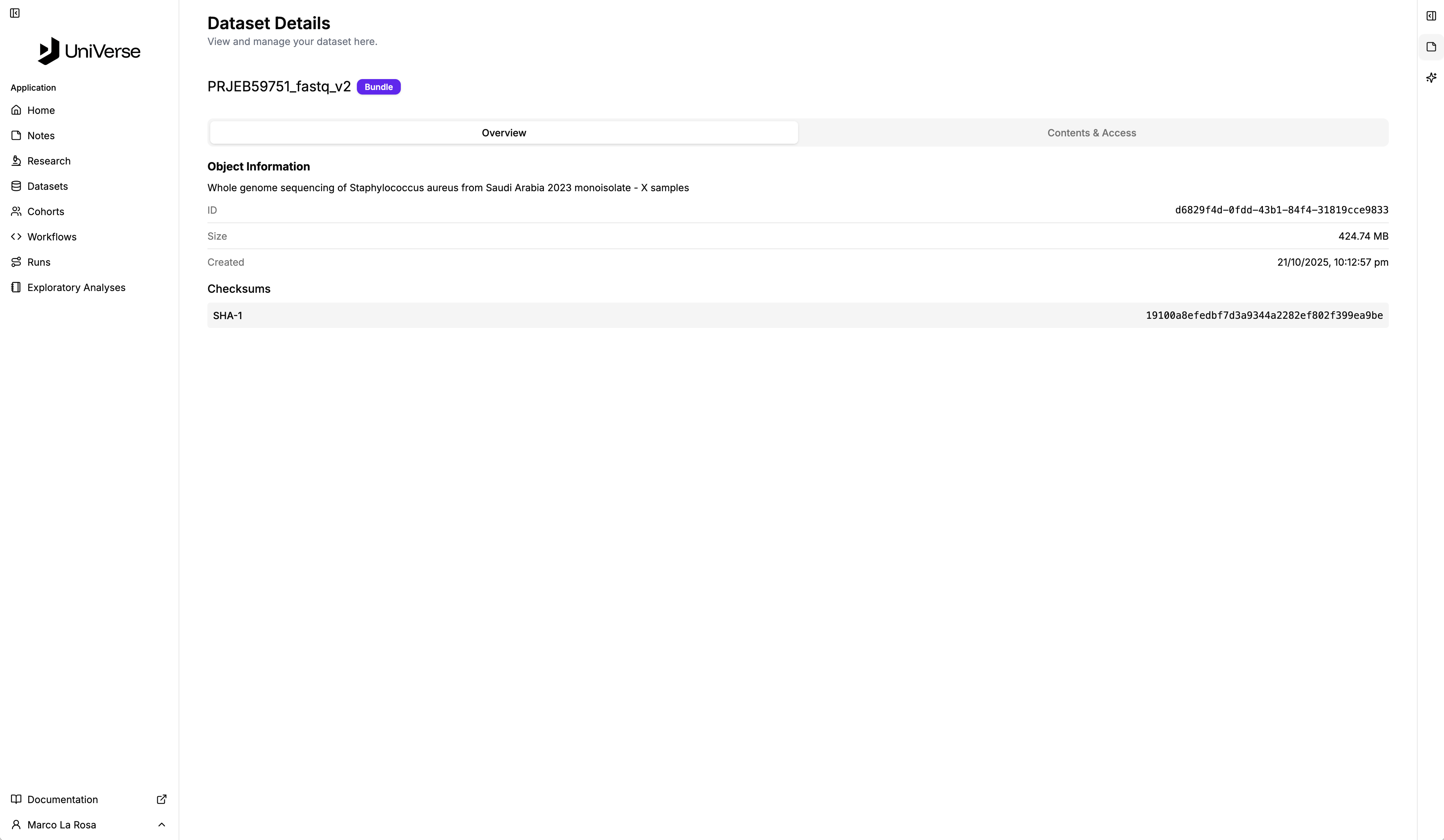
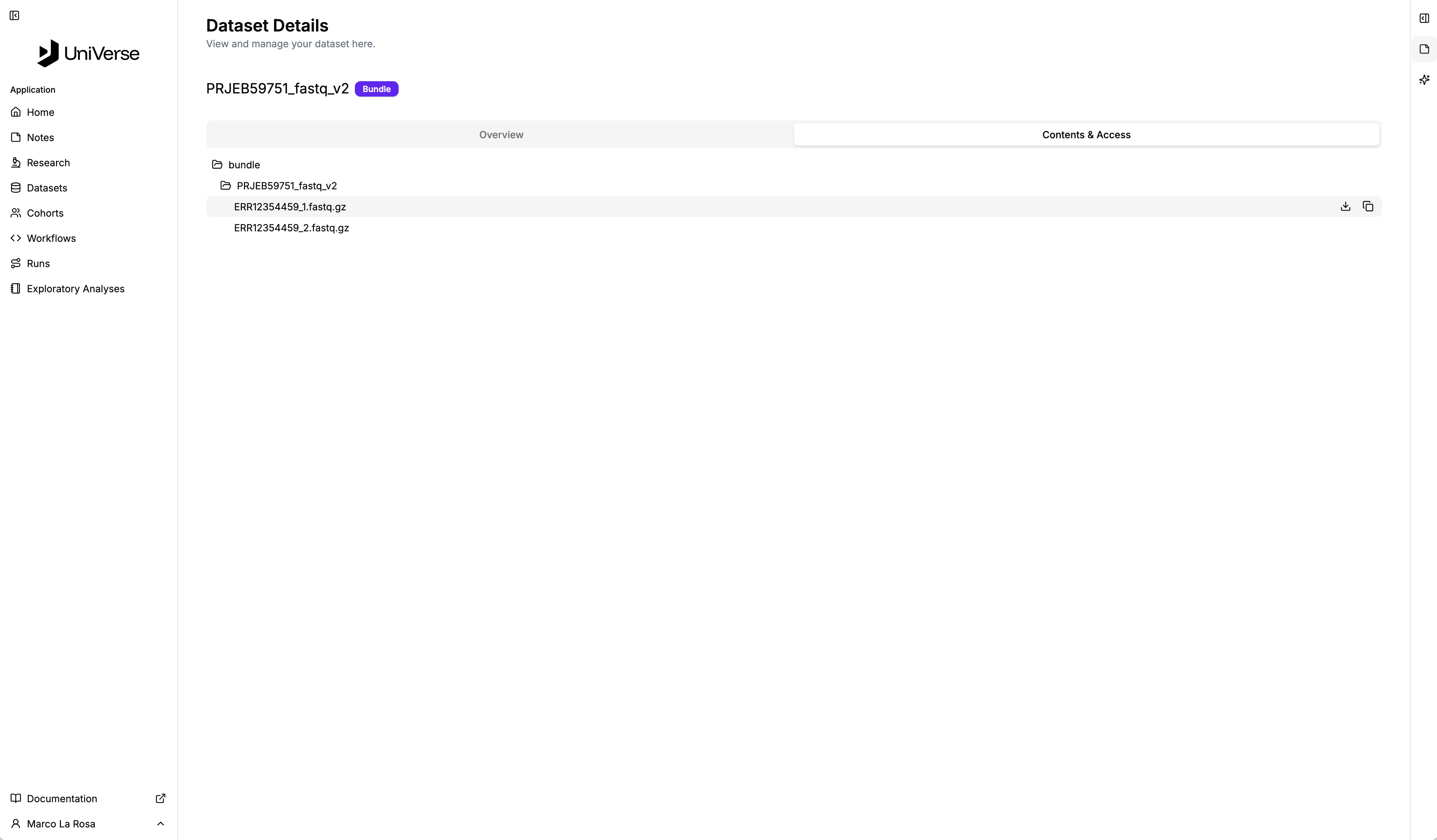
Then, when you select it, you will see the following content. In the first image there will be the metadata of the dataset including its ID, date and checksum (for verifying integrity) whilst the second shows the dataset contents. And when you hover over an individual file, you will see controls to download it (if you need to) and a copy icon which copies the URI to access it which is needed when creating a run.